Constant cord tangles come from twist that builds with every turn, wall climb, and reversal your cleaner makes. Unroll the cable fully before you start. Place the power supply near the midpoint of the pool’s longest side. Feed only enough cable to reach the farthest point, and keep the excess coiled outside. A swivel releases built-up rotation, but it won’t fix poor layout. The right setup, untangling steps, and anti-tangle hardware all work together to keep your cord straight.
Key Takeaways
- Fully unroll and straighten the cable before starting, removing knots, coils, and stored memory that cause twisting in the water.
- Place the power supply near the midpoint of the pool’s longest side to minimize the cable length needed.
- Feed only enough floating cable to reach the pool’s farthest point, keeping excess coiled outside near the power supply.
- Use a compatible anti-tangle swivel so built-up twist releases at the joint instead of coiling along the cord.
- Reverse the adjustable handle’s diagonal direction each use, if available, so the cable unwinds between cleaning cycles.
Why does your robotic pool cleaner cord tangle
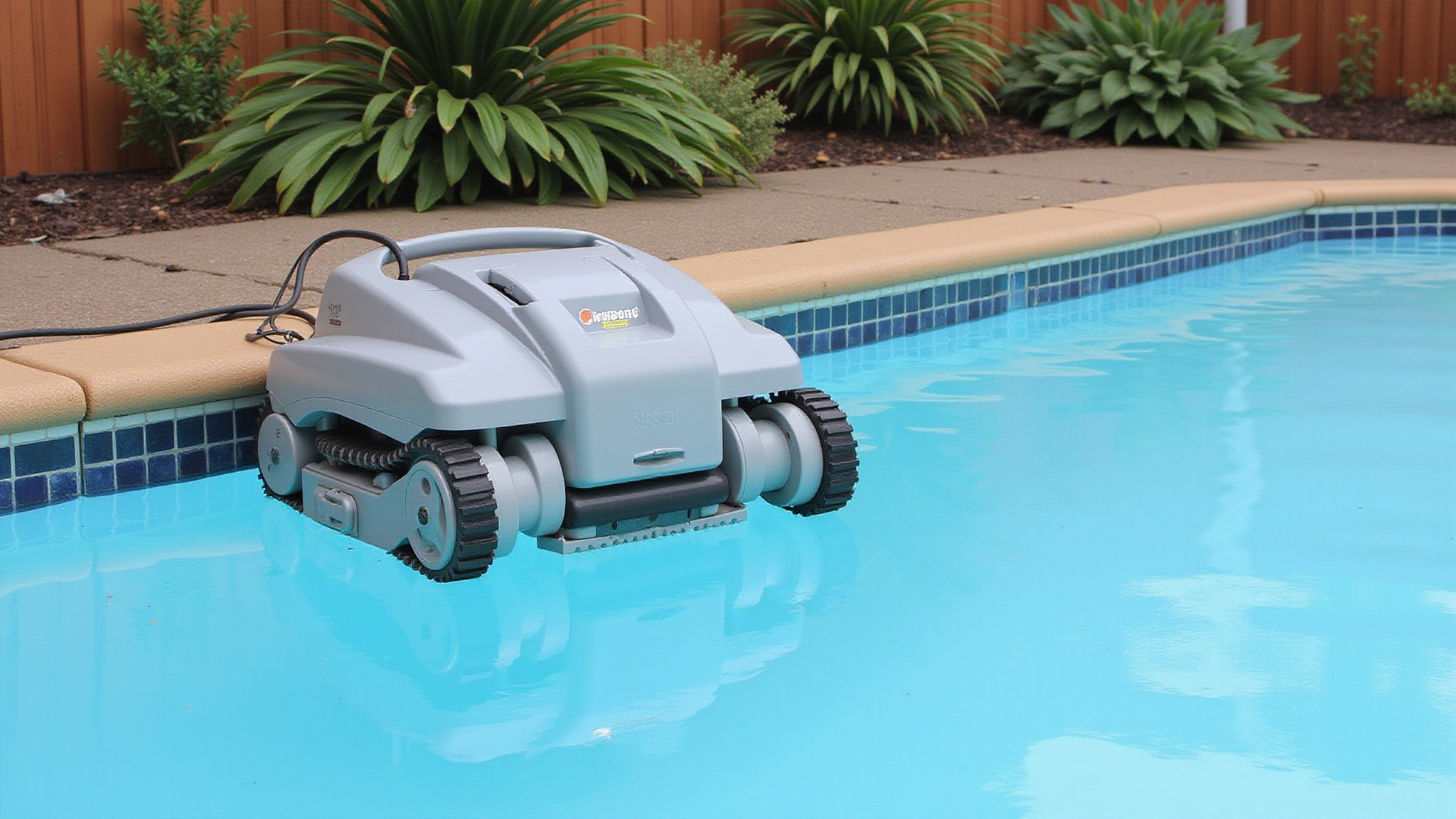
Your robotic pool cleaner cord tangles because every turn, wall climb, or reversal adds a small rotation to the floating cable, and without a swivel to release that twist, the rotations accumulate until the cable folds into loops and kinks. This is why a cord that started out straight ends up wrapped in tight coils after a few cycles. When choosing a robotic pool cleaner durability is essential to ensure long-lasting performance. A well-constructed cleaner can withstand the rigors of daily use without frequent breakdowns.
Setup errors worsen it. Excess cable in the water gives twist room to form coils and snag around the cleaner. A power supply placed at one end forces the cleaner to drag more cable. Starting with cable that isn’t fully unrolled, or leaving the handle in the same diagonal position every cycle, repeats the same travel pattern and stacks twist in one direction. Tight storage bends also build memory.
What causes cord tangling in robotic pool cleaners
Cord tangling comes from five controllable factors: excess cable length, poor power supply placement, careless cable layout, unvaried cleaner travel, and cable memory.
Excess cable floating in the water gives the cleaner extra slack to twist, kink, or snag. If you place the power supply far from the midpoint of the pool’s longest side, you’ll need more cable to reach the farthest point. Dropping the cleaner in before you’ve unrolled the cable, or leaving knots and coils on the surface, builds in twist from the start. A repetitive cleaner pattern compounds the problem, since the cable rotates the same way every cycle and never unwinds. Poor storage in tight bends sets persistent memory, so the cable coils itself again once it’s back in the water. Can pool robots collect dead algae? These devices are designed to efficiently remove debris from the pool, including organic matter like algae.
How does swivel design reduce cord tangles
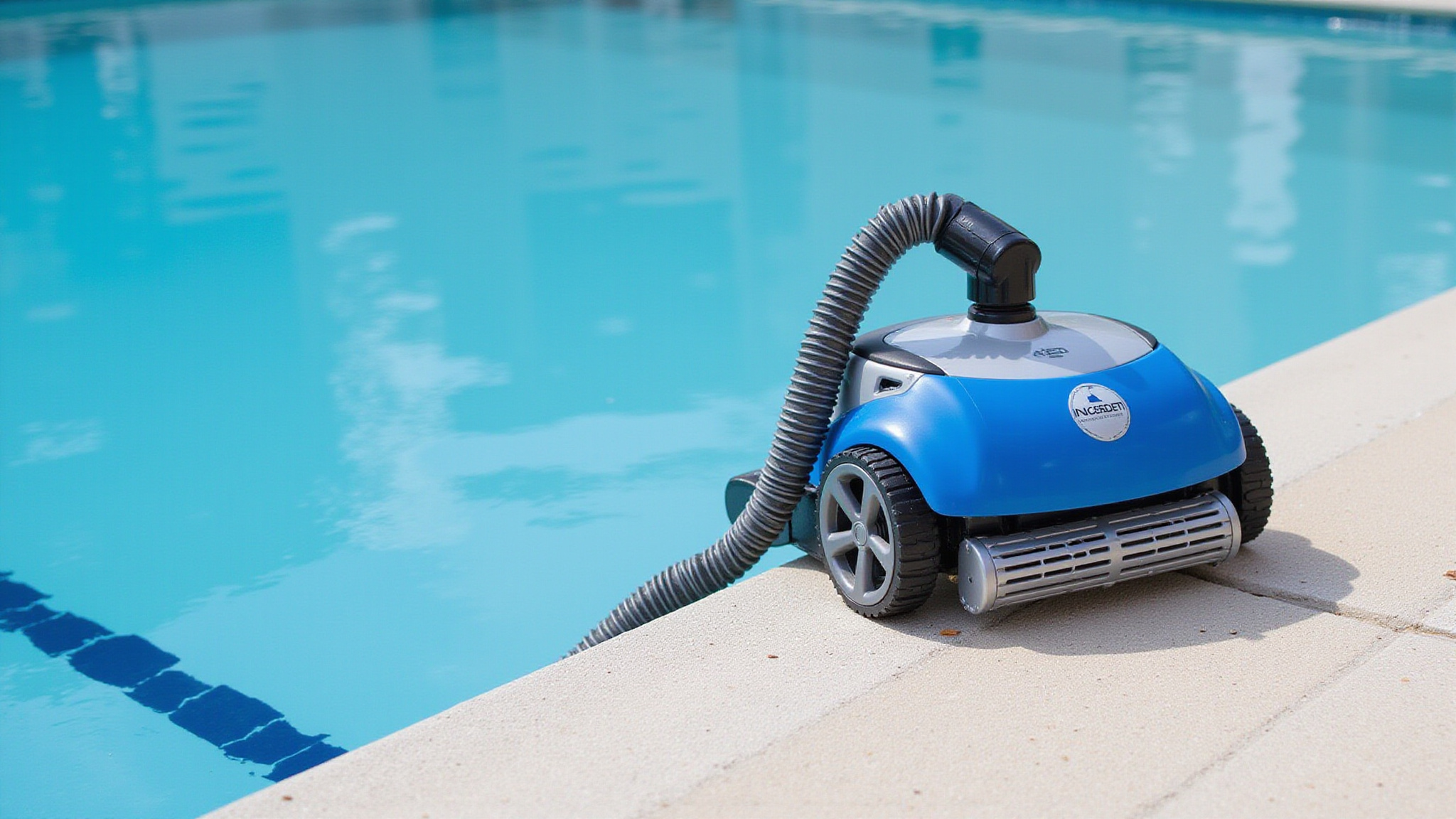
A swivel reduces cord tangles by letting cable sections rotate relative to one another, so the twist that builds up as your cleaner changes direction releases at the joint instead of coiling along the cord. One manual describes a 360-degree swivel that turns in both directions while maintaining electrical continuity, meaning your cleaner keeps running as the cable unwinds.
Don’t assume your cleaner has one. Anti-tangle swivels are model-specific, and commercial specifications distinguish electrical swivels from other tangle-release designs. Check your product specifications to confirm what you’ve got.
A swivel isn’t a complete fix. It reduces accumulated twist, but you still need the right cable length and a clean, knot-free layout across the water. Pair the swivel with correct setup, and you’ll control tangles effectively.
How do you untangle and manage the cleaner cord
To untangle the cleaner cord, switch off and disconnect the power supply, lift the cleaner out of the pool by its handle, never by the floating cable, then lay the cable out fully and pull it straight gently. If your model has a compatible swivel, it’ll rotate to release built-up tension. If the cord holds a stubborn set, lay it in the sun to loosen its memory.
To prevent repeat tangles, stretch the cable to full length periodically and remove kinks and coils after every cycle. Store it in loose loops, not tight bends, and inspect it for cuts during routine checks. If twisting persists, check whether you’ve reversed the handle’s diagonal direction, then consult your specific model’s manual or contact service support.
How do anti-tangle cleaner models compare
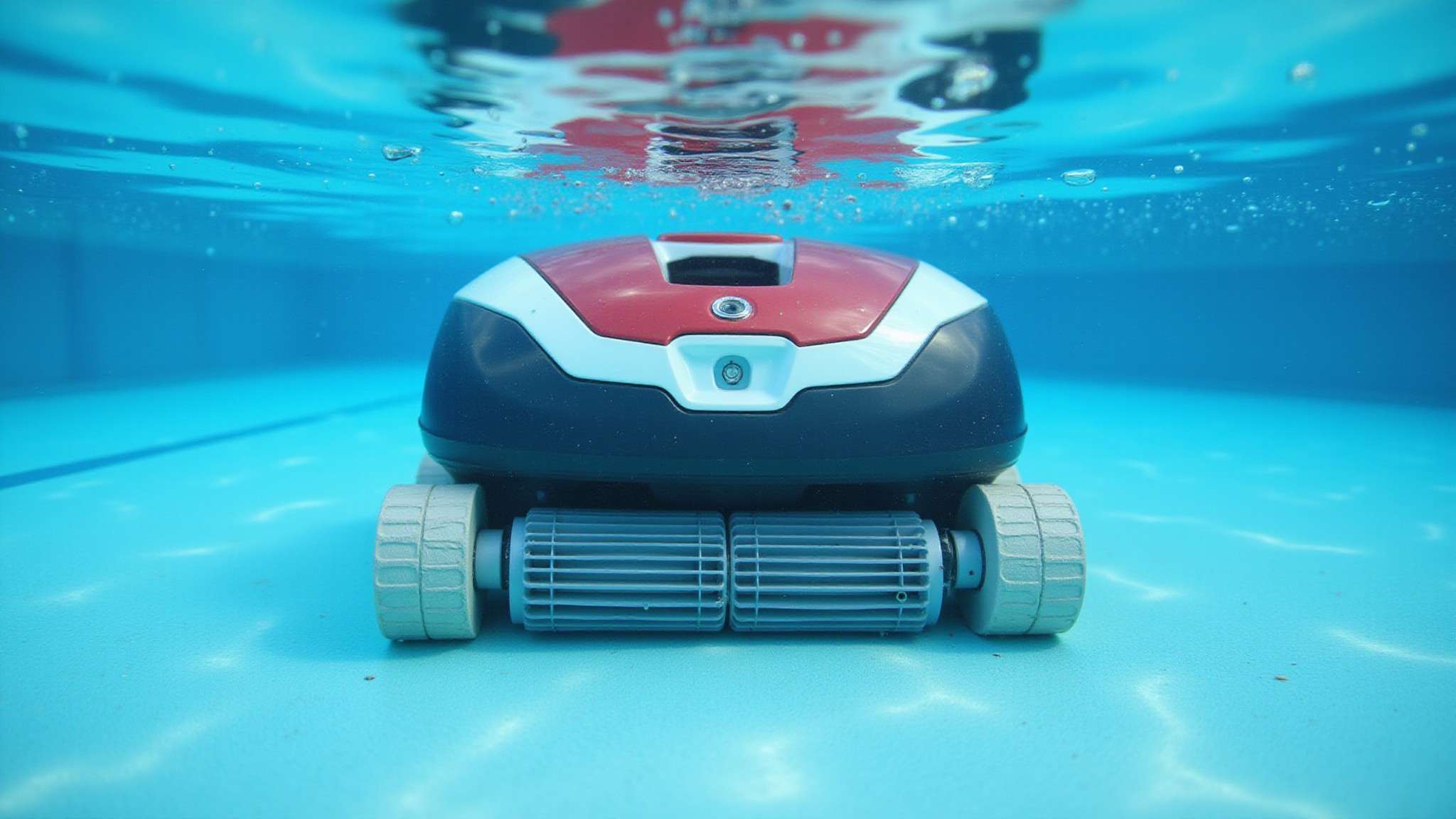
Anti-tangle cleaner models differ mainly in their built-in hardware, which largely determines how often you’ll face twisted cable.
| Feature | How it works | What you’ll notice |
|---|---|---|
| Electrical swivel | Rotates 360 degrees both ways while maintaining power | Twist releases as the cleaner turns |
| Adjustable diagonal handle | Reverses travel direction each use | Cable unwinds between cycles |
Swivels are model-specific, so check the product specifications before assuming one’s included. Manufacturers distinguish electrical swivels from other tangle-release designs, and you should confirm which type you’re buying. Also match cable length to your pool: commercial models list 23 m to 45 m cables for pools up to 50 m long. Remember, no swivel replaces correct layout and length. You’ll still need to float the cable straight and keep excess coiled outside.
How do you prevent robotic pool cleaner cord tangles
Control how much cable enters the water and how it lies before each cycle to prevent most cord tangles. Unroll the cable fully, then place your power supply near the midpoint of the pool’s longest side so you don’t need extra reach. Robotic pool cleaner waterline cleaning ensures that the waterline remains free of algae and grime. Regular maintenance will help extend the life of your cleaner and keep your pool sparkling.
Prevent most cord tangles by unrolling the cable fully and placing your power supply near the midpoint of the pool’s longest side.
- Feed in only enough floating cable to reach the pool’s farthest point, and keep the excess coiled outside near the power supply.
- Lay the cable across the surface without knots or coils, then start the cleaner from a central position.
- If your model has a diagonally adjustable handle, reverse its direction each use to unwind cable and cover missed areas.
Remove kinks after each cycle and store the cable in loose loops. Periodically stretch it to full length to limit memory.
Conclusion
Constant cord tangles are one of the easiest robotic-cleaner frustrations to solve, because almost every cause is within your control. Start each cycle by unrolling the cable fully and laying it flat without knots, place the power supply near the midpoint of the pool’s longest side, and feed in only enough floating cable to reach the far end while keeping the rest coiled outside. Let a compatible anti-tangle swivel release the twist as your cleaner turns, and reverse an adjustable handle’s direction when your model allows it. Between cycles, lift the unit by its handle, clear any kinks, and store the cable in loose loops to keep memory from setting in. Put these simple habits together and you’ll trade daily knots for a straight, free-moving cord and a far smoother cleaning routine.
Shop Robotic Pool Cleaners That Just Work
The right robotic pool cleaner with anti-tangle technology saves hours of frustration every single week. Prime Pool Market has everything you need. We offer reliable Pool Pumps and robotic cleaning equipment with trusted brands and fast shipping. Call 877.650.7665 today and simplify your pool cleaning routine.
Frequently Asked Questions
Can I Lift My Robotic Pool Cleaner Out of the Water by Its Cable?
No, you shouldn’t lift your robotic pool cleaner by its floating cable. Always grab the cleaner’s handle instead. Before you remove it, switch off and disconnect the power supply. Pulling on the cable strains it and can cause damage, so inspect it for cuts during routine checks. Once the cleaner’s out, stretch the cable to full length, remove kinks and coils, and store it in loose loops, not tight bends.
How Far From the Pool Should the Power Supply Be Placed?
Place your power supply at the distance and height your cleaner’s manual specifies. One manual calls for at least 3.6 m from the pool and 12 cm above the surface. Position it near the midpoint of the pool’s longest side to reduce cable reach, and plug it into a GFCI/RCD-protected outlet when the manufacturer requires it. Don’t guess. Your model’s exact limits keep setup safe and help you prevent tangles.
Do I Need a GFCI or RCD Outlet for My Cleaner?
You’ll need a GFCI or RCD-protected outlet whenever your cleaner’s manufacturer requires one, so check your model’s manual before plugging in. Don’t assume every setup’s identical; requirements vary by model. Also place the power supply at the manual’s specified distance and height, such as at least 3.6 m from the pool and 12 cm above the surface. Before handling a tangled cable, switch off and disconnect power every single time.
Should I Turn off My Pool’s Filtration System While the Cleaner Runs?
Only if your cleaner’s manual recommends it. Some manufacturers tell you to shut off the main filtration system during cleaning, so check your model’s instructions before you start a cycle. Don’t assume one rule fits every cleaner, since setup procedures vary by model. While you’re preparing, unroll the cable fully, lay it flat without knots, and keep excess coiled outside the pool near the power supply to prevent twisting and tangles.
How Should I Store My Robotic Pool Cleaner Between Cleaning Cycles?
Store your cleaner dry and protected, following your model’s manual. After each cycle, lift it out by its handle, never by the floating cable. Then remove kinks and coils, and store the cable in loose loops rather than tight, sharp bends. Inspect the cable and power cord for cuts while you’re handling them. Periodically stretch the cable to full length so it doesn’t develop persistent memory that causes tangles during later cleaning cycles.