
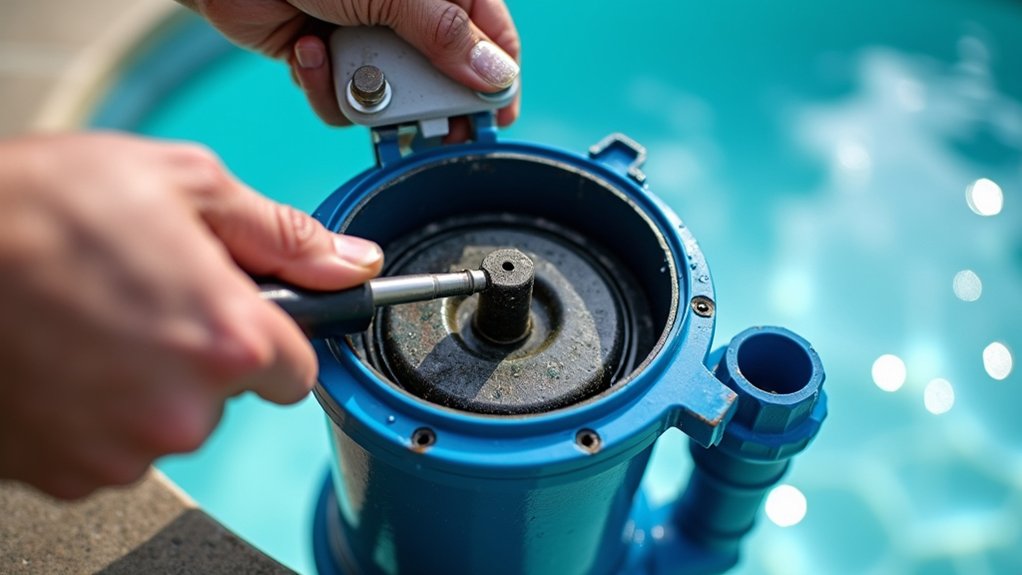
When your sand filter’s pressure climbs 8 to 10 PSI above baseline, you’ve got restricted flow. First, verify your gauge is accurate, confirm the needle resets to zero and bleed trapped air. Shut off the pump and clear the pump and skimmer baskets, since they restrict flow before the sand does. Then backwash until water runs clear, rinse, and record a fresh baseline. If pressure stays high, deeper causes need your attention.
Key Takeaways
- Backwash your sand filter when pressure rises 8 to 10 PSI above the recorded clean baseline of roughly 8 to 15 PSI.
- Clear pump and skimmer baskets first, since clogged baskets restrict flow before the sand bed does.
- Backwash until water runs clear (2 to 3 minutes), then rinse 20 to 30 seconds and record a fresh baseline.
- Confirm the sand bed is the restriction by switching to recirculate and checking for a noticeable pressure drop.
- Shut off the pump immediately above 30 PSI, and call a professional if pressure stays high after cleaning.
What High Sand Filter Pressure Really Means
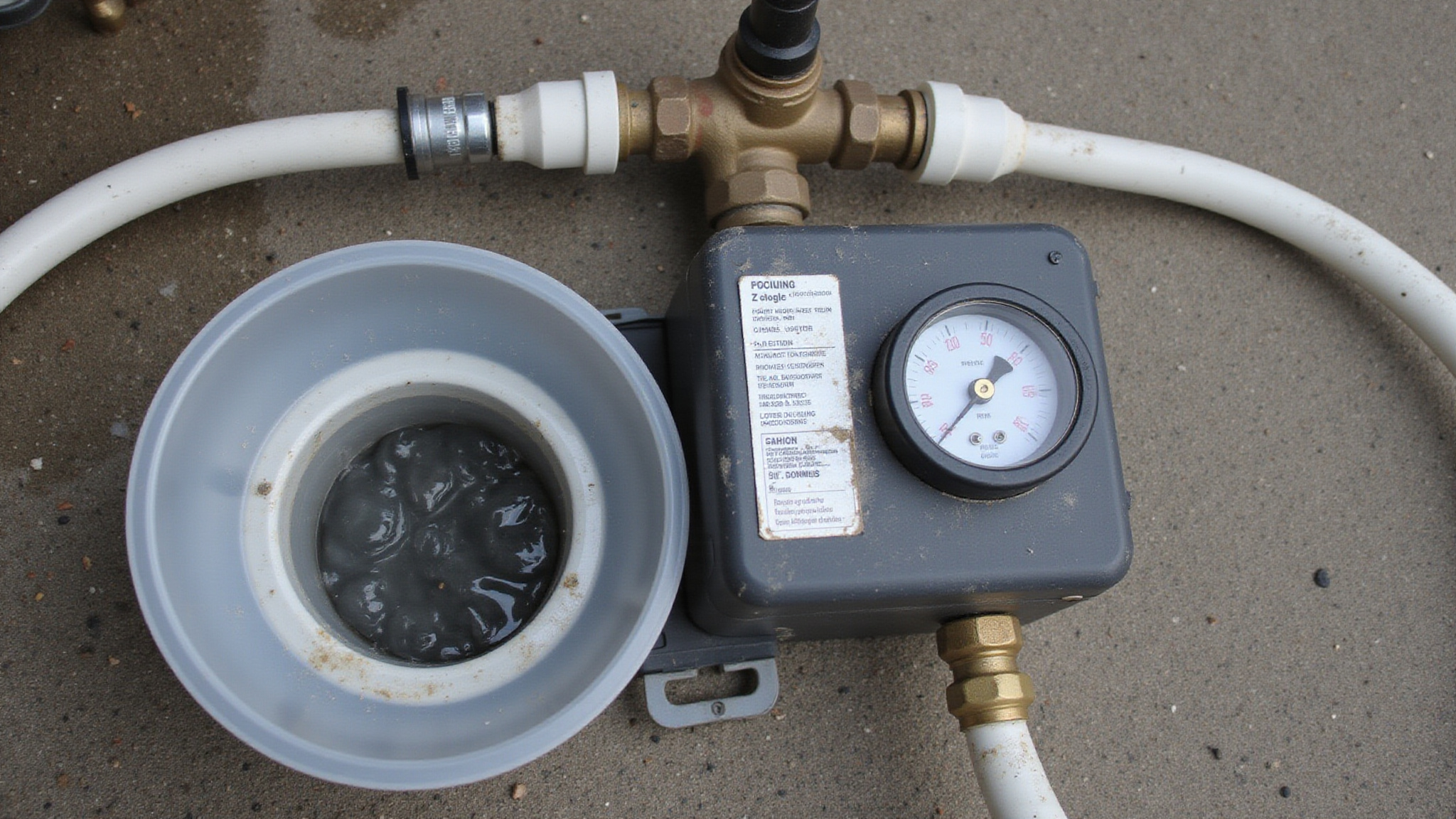
High sand filter pressure means water can’t move freely through the system, usually because the sand bed has trapped enough debris to restrict flow. A common rule is to act when pool filter pressure rises 8 to 10 PSI above your clean baseline, which typically falls around 8 to 15 PSI. Once you hit 30 PSI, treat it as a warning: shut off the pump and diagnose before restarting. There are several effective options to consider when looking for the best alternatives to sand in pool filters. For instance, glass media can provide improved filtration efficiency and reduce the number of backwashes needed.
A clogged sand filter isn’t the only culprit. Sand filter problems can stem from closed valves, blocked return lines, a debris-filled pump basket, a clogged skimmer, or impeller trouble. Record your current PSI and compare it against the clean baseline so you know exactly what you’re fixing.
Find Your Clean Filter Baseline First
Right after backwashing and rinsing your filter, read the clean pressure while the pump runs at normal speed. Record that baseline number, often somewhere in the 8 to 15 PSI range, though yours depends on your specific system, so you’ve got a reliable reference point. Track future comparisons against this figure, since a rise of 8 to 10 PSI above baseline signals it’s time to clean again.
Read Clean Pressure
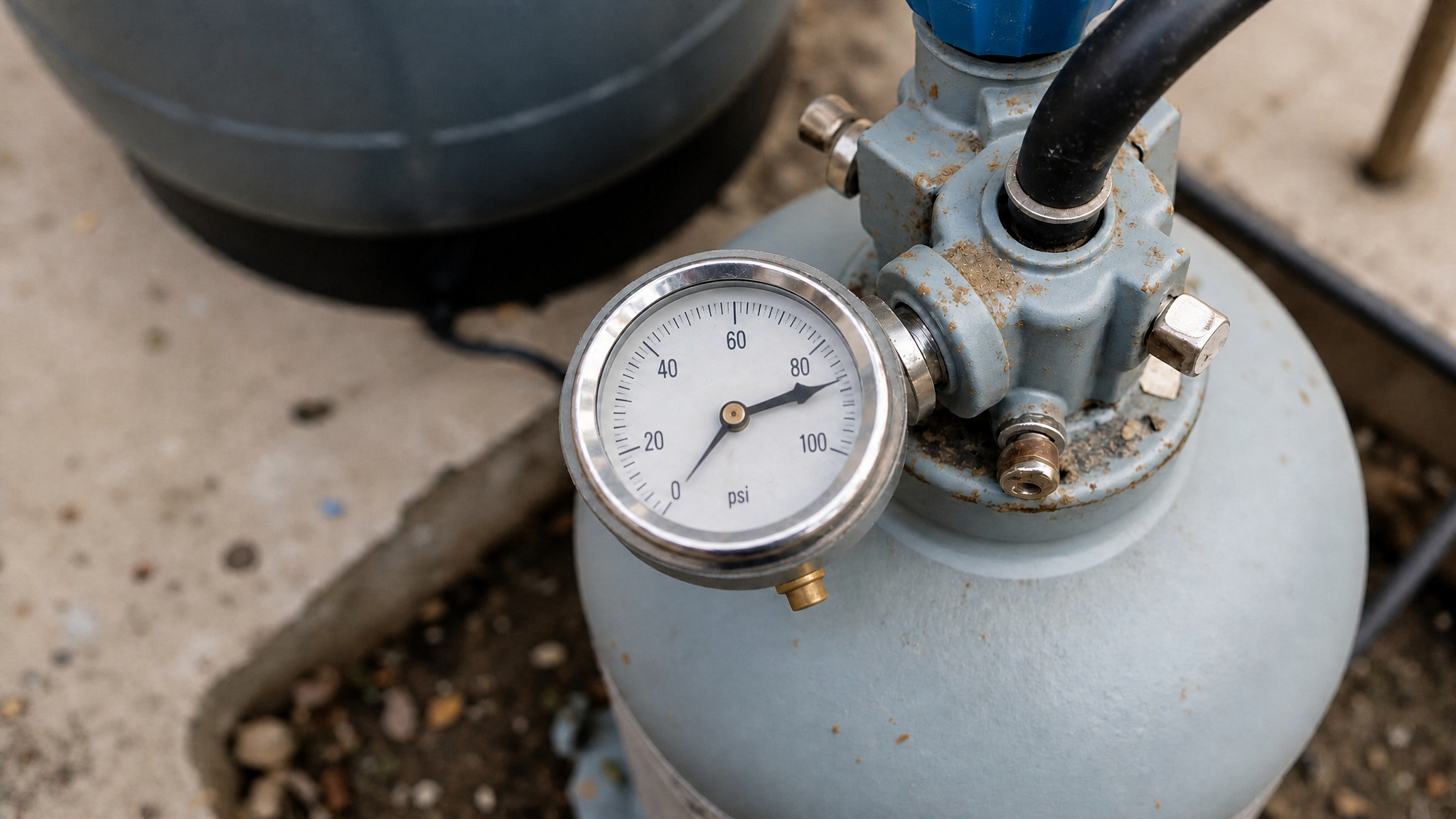
Your clean pressure is the PSI your system reads right after backwashing, and recording this baseline is how you know what “normal” looks like for your system. Right after you backwash and rinse, set the multiport valve to filter, start the pump, and let the system stabilize. Read the pressure gauge and note the exact PSI. Most clean readings fall around 8 to 15 PSI, though your system may differ. Write this number down and keep it near the equipment pad.
This baseline is your reference point for diagnosing pool sand filter high pressure later. When you notice a high pressure pool filter reading climbing 8 to 10 PSI above this mark, you’ll know it’s time to backwash. Without an accurate baseline, you’re guessing instead of measuring precisely.
Record Baseline Number
Record your baseline number by writing down that clean PSI reading permanently rather than trusting your memory. Mark the number directly on the filter tank or nearby equipment pad with a permanent marker, and log it with the date. This baseline typically falls somewhere between 8 and 15 PSI, though your specific system defines what’s normal. You’ll use this figure as your reference point for every future comparison. When pressure climbs 8 to 10 PSI above this recorded baseline, you’ll know it’s time to backwash. Without a documented baseline, you can’t accurately judge whether a reading signals trouble or normal operation. Update this number whenever you replace sand or service the system, since a fresh media bed establishes a new clean reference to track against.
Track Future Comparisons
Track future comparisons by checking the gauge on a regular schedule and measuring each reading against that clean baseline number. When the pressure climbs 8 to 10 PSI above baseline, you’ll backwash. If a reading exceeds 30 PSI, shut off the pump and diagnose before restarting.
| Pressure Above Baseline | Interpretation | Action |
|---|---|---|
| 0 to 3 PSI | Normal operation | Continue monitoring |
| 4 to 7 PSI | Debris accumulating | Inspect baskets |
| 8 to 10 PSI | Filter clogged | Backwash and rinse |
| Rapid rise post-backwash | Worn or channeled sand | Plan media replacement |
| Over 30 PSI | Warning threshold | Stop pump, diagnose |
Log each reading with the date. Consistent tracking reveals whether pressure rises gradually from normal debris or spikes abnormally, signaling worn sand, valve restrictions, or impeller problems requiring further inspection.
Clear the Pump and Skimmer Baskets
Clear the pump and skimmer baskets first, because clogged baskets restrict flow long before the sand bed does. Start by shutting off the pump to prevent airlock or debris backflow. Remove the pump strainer basket and inspect it for leaves, grit, and broken plastic. Rinse it clean and check for cracks that let debris bypass into the impeller. Next, pull the skimmer basket and clear any trapped debris that’s limiting suction. Confirm both baskets seat correctly before restarting, since a poorly seated pump basket can draw air and distort pressure readings.
After you’ve cleared both baskets, restart the pump and recheck the gauge. If pressure drops noticeably, the baskets were your restriction. If it stays high, move on to backwashing the sand filter.
How to Backwash a Clogged Sand Filter
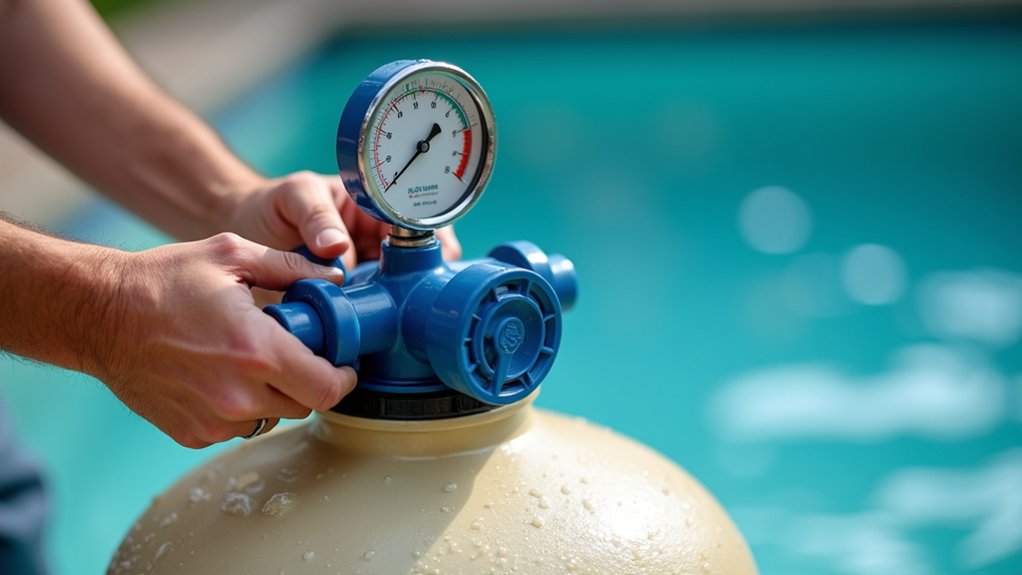
To backwash a clogged sand filter, reverse the water flow through your sand bed to flush out trapped debris, which is your next move when clean baskets don’t drop the pressure. Start by shutting off the pump. Never move the multiport valve while it’s running, or you’ll risk damaging the valve’s internal seals. Turn the handle to the “Backwash” position and lock it. Restart the pump and watch the sight glass; run it until the water runs clear, usually two to three minutes. Shut off the pump again, switch to “Rinse,” and run it for 20 to 30 seconds to settle the sand bed. Stop the pump once more, return the valve to “Filter,” and restart. Record your fresh pressure reading to establish a new clean baseline.
Rinse and Reset the Multiport Valve
To rinse and reset the multiport valve, turn off the pump, then switch the multiport valve to the “rinse” position. Restart the pump and run it for about 20 to 30 seconds. This settles the sand bed and clears loosened debris from the return lines, preventing dirty water from cycling back into your pool. Shut the pump off again, then return the valve to the “filter” position. Confirm the handle locks securely before restarting. Never move the multiport valve while the pump’s running, since pressure can damage the internal gasket. Finally, record the fresh PSI reading to establish your new clean baseline for future comparisons.
Still High? Check Valves, Returns, and Impeller
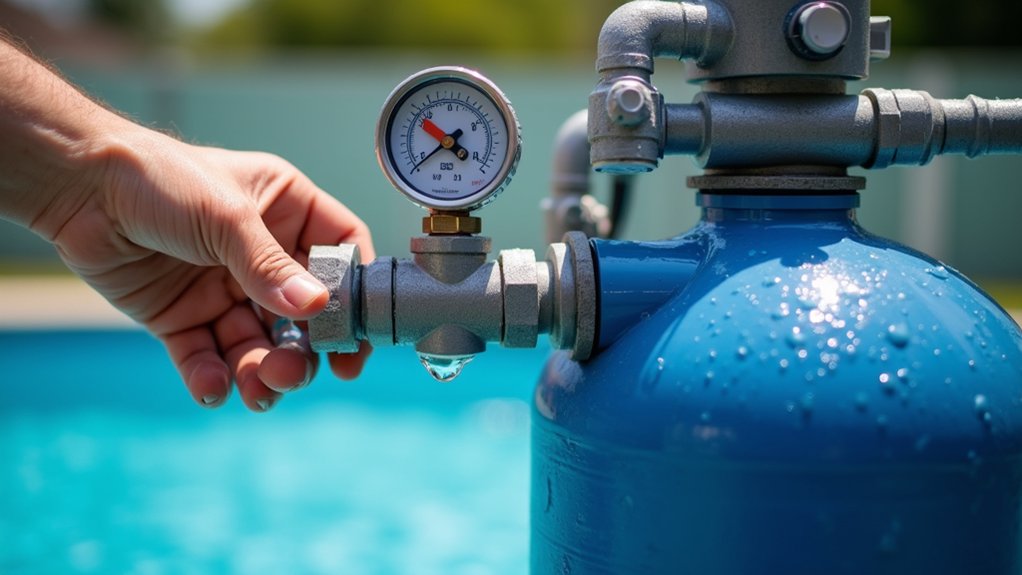
If your pressure’s still high after backwashing and rinsing, check the valves and return jets for closed or partially closed positions and clear any obstructions restricting flow. Then shut off the pump and inspect the impeller, since debris lodged in it can reduce flow and spike system pressure. Work through these components one at a time, rechecking the gauge after each so you can pinpoint the actual source.
Inspect Valves And Returns
Inspect valves and returns when your pressure stays high after backwashing and cleaning both baskets, because the clog isn’t in the sand, it’s downstream in your valves, return lines, or pump impeller. Start by tracing every valve in your circulation path. Partially closed valves restrict flow enough to mimic a clogged filter, driving pressure abnormally high.
| Component | What to Check |
|---|---|
| Diverter valves | Fully open, not partially seated |
| Return jets | Clear of debris, unrestricted flow |
| Multiport valve | Set correctly to “Filter” |
| Return lines | No blockages or kinks |
| Impeller | Free of hair and debris |
Inspect your return jets for obstructions limiting outflow. Confirm the multiport valve sits fully in the filtering position. If pressure exceeds 30 PSI, shut off the pump before proceeding.
Check Impeller For Clogs
Check the impeller when your valves and returns check out but pressure’s still climbing. A clogged impeller restricts flow and drives up system pressure, mimicking a dirty sand bed.
Shut off the pump before you begin. Disconnect power at the breaker to prevent accidental startup. Remove the pump basket and inspect the impeller opening for debris, leaves, hair, or scale buildup.
Clear obstructions with a stiff wire or by hand, working carefully around the vanes. Spin the impeller to confirm it turns freely without grinding.
Reassemble the pump, restore power, and prime the system. Recheck your PSI against the clean baseline. If pressure stays high, suspect worn sand or gauge failure next.
Is Your Pressure Gauge Lying to You?
Your pressure gauge might be lying to you, and a faulty one can send you chasing clogs that don’t exist. Verify that your pressure gauge is telling the truth before you tear apart your filter or dump fresh sand into the tank. Start by shutting off the pump. With the system off and pressure released, check whether the needle resets to zero. If it doesn’t return to zero, the gauge is defective and should be replaced.
Also watch for erratic needle behavior, sticking, or readings that don’t match your system’s known clean baseline. Trapped air can distort readings too, so bleed the filter’s air relief valve before trusting any number.
After you’ve confirmed the gauge reads accurately, record a fresh baseline. Only then should you interpret high pressure as a genuine clog signal.
Signs Your Filter Sand Is Worn Out
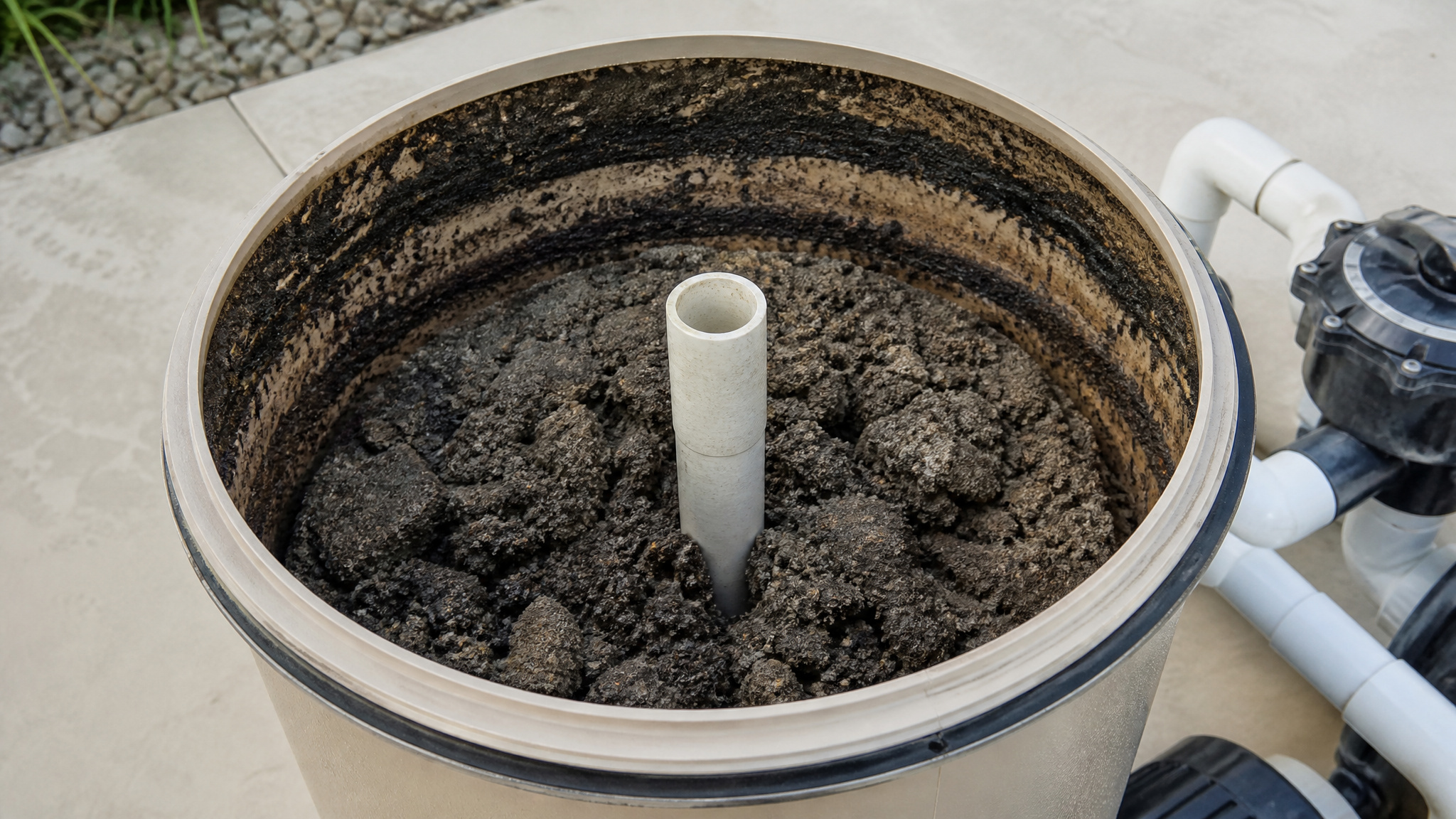
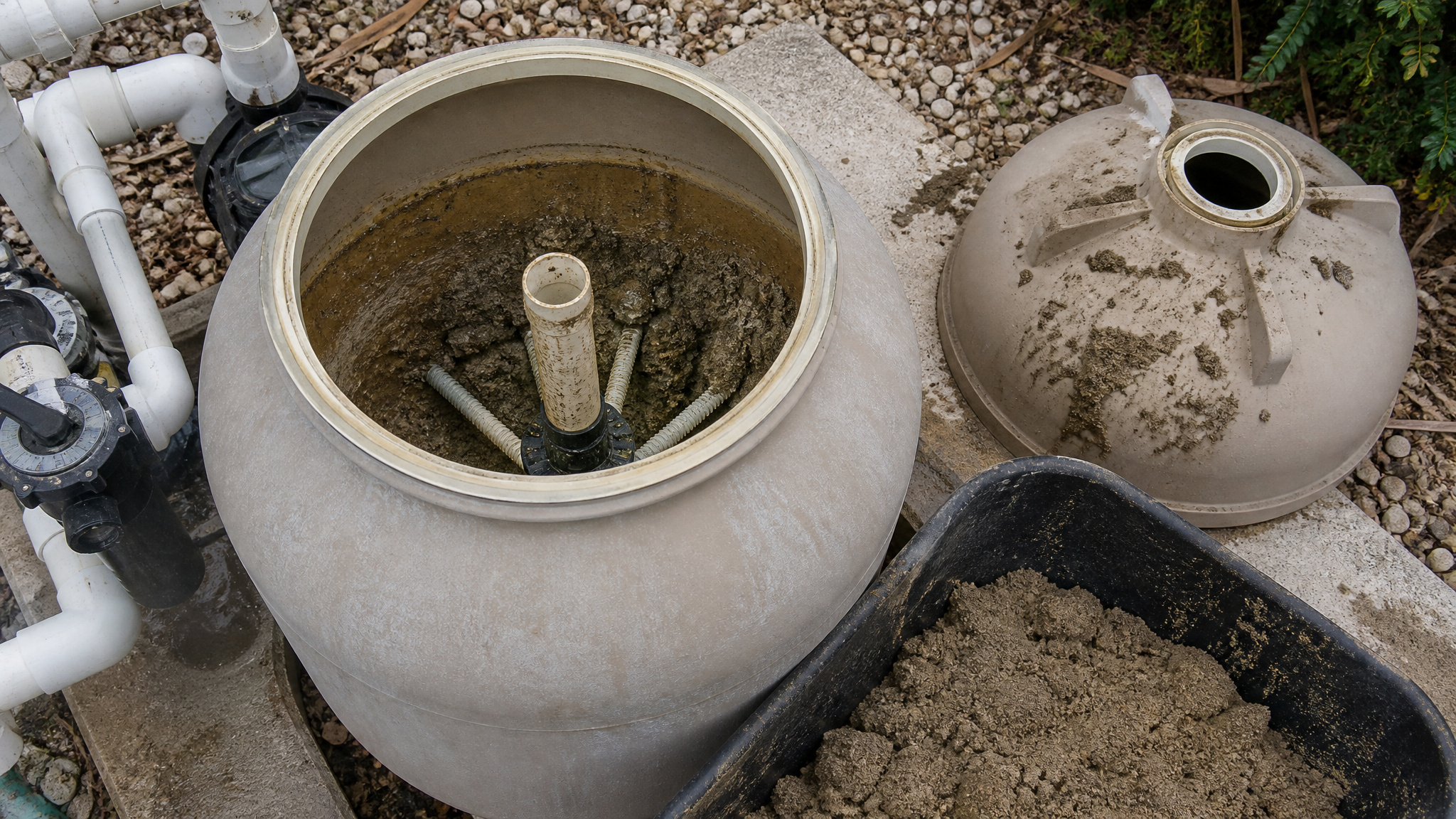
Worn out filter sand shows itself through rapid pressure rise soon after backwashing, which points to worn media rather than simple debris buildup. Open the tank and inspect the sand directly. Rub a handful between your fingers. Sharp, angular grains still filter effectively, while smooth, rounded grains have lost their filtering edge and need replacement. Watch for clumping, uneven bed levels, or visible channeling, all of which signal media failure. To isolate the sand bed as the restriction, switch to recirculate mode and check for a pressure drop; a noticeable drop confirms the sand’s the problem. Remember, sand typically lasts five to seven years, so factor in age when diagnosing worn media.
When to Shut Off and Call a Pro
Shut off the pump and call a professional when pressure stays high after thorough cleaning, signaling circulation or equipment failure beyond basic maintenance. The moment your gauge climbs above 30 PSI, shut off the pump immediately. That reading signals a warning threshold demanding investigation, not another backwash. First, rule out a faulty gauge by confirming it resets to zero when the system’s off. If pressure stays high after you’ve cleaned the pump and skimmer baskets, backwashed, and checked for closed valves, the problem runs deeper.
Call a professional when you suspect a clogged impeller, blocked suction lines, or an undersized pump you can’t correct yourself. Persistent high pressure after thorough cleaning points to circulation or equipment failure beyond basic maintenance. Don’t restart repeatedly hoping it clears. Running against restricted flow risks damaging your pump and filter housing.
Conclusion: Clearing a Clogged Filter
High pressure on a sand filter almost always points to trapped debris, and a proper backwash clears most cases. When it does not, the trail leads to compacted sand, a clogged impeller, or a valve issue worth inspecting. Track your clean baseline pressure so you can spot trouble early, and the filter keeps the water moving as it should.
Shop Pool Filters and Filter Media Today
Keeping your pool filter running efficiently starts with the right sand, cartridges, or complete filter systems. Shop Prime Pool Market for reliable Pool Filters at discount prices delivered right to your door. Call (877) 650-7665 today or browse our shop and save on every purchase.
Frequently Asked Questions
How Often Should I Backwash My Pool Sand Filter?
Backwash when the gauge reads 8 to 10 psi above the clean baseline, which usually means every couple of weeks in swim season. Backwashing on that pressure trigger rather than a set schedule keeps the filter working at its best without wasting water. After heavy use or a storm, you may need to do it sooner.
What Type of Sand Should I Use for Replacement?
Use pool-grade silica sand, typically a number 20 grade with grains around 0.45 to 0.55 millimeters. That size traps debris well while letting water flow freely. Avoid play sand or construction sand, which is too fine and packs down, driving pressure up. The bag will say pool filter sand if it is the right product.
Can I Run My Pool While the Filter Pressure Is High?
It is better not to for long. High pressure means the filter is straining and barely cleaning, and it puts extra load on the pump that can shorten its life. Backwash or inspect the filter first to bring the pressure down, then run the pool normally once it reads in the clean range again.
How Much Does Professional Sand Filter Service Typically Cost?
A professional sand change usually runs about 150 to 300 dollars including the new sand, depending on filter size and local labor rates. A basic service call to diagnose a pressure problem costs less. Getting a quote from a local pool tech gives you the accurate figure, since prices vary by area and filter size.
Does Cold Weather or Temperature Affect Filter Pressure Readings?
Slightly. Cold water is a bit denser and can nudge the pressure reading up a touch, but the effect is small. A big pressure jump is almost always debris or a clog, not the weather. If the gauge climbs in winter, check the filter and pump rather than assuming the cold is the cause.