
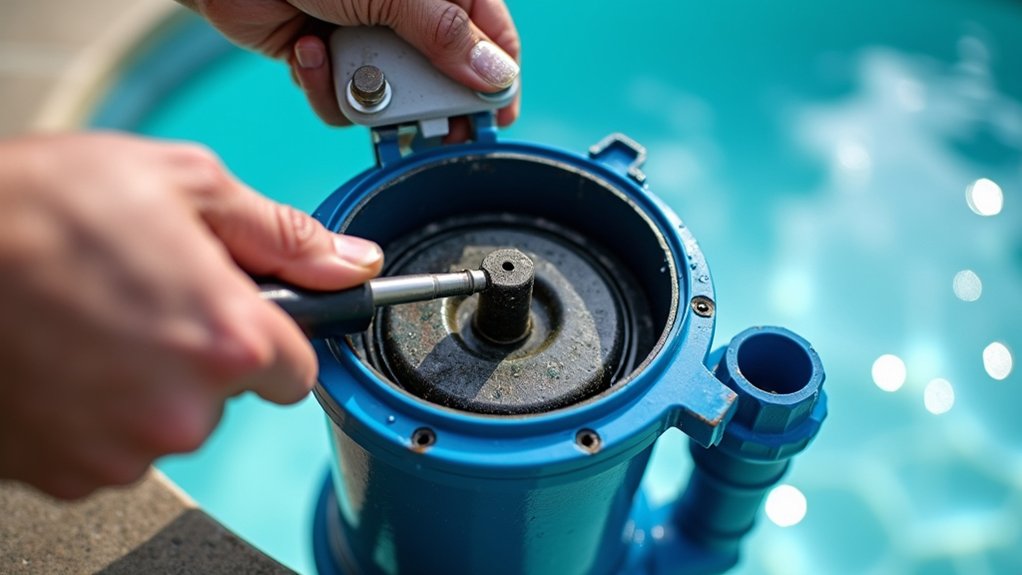
You’ll typically replace your pool filter sand every 3 to 5 years, though larger inground systems can reach 5 to 7 years and commercial units often need annual changes. Don’t rely on age alone. Watch for symptoms: cloudy water that won’t clear despite balanced chemistry, sand returning through your returns, recurring algae, or pressure spiking fast after backwash. A gauge shift exceeding 10% signals failure. Below, you’ll find exactly what drives these warning signs.
Key Takeaways
- Replace residential filter sand every 3 to 5 years, though larger systems may last 5 to 7 years.
- Change sand when water stays cloudy despite balanced chemistry and adequate pump runtime.
- Replace media if sand or dirt returns to the pool through the returns.
- A gauge difference exceeding 10% or backwash cycles collapsing to hours signals replacement is needed.
- Inspect for compacted, caked, or clumping sand that backwashing can no longer restore.
How Long Does Pool Filter Sand Last?
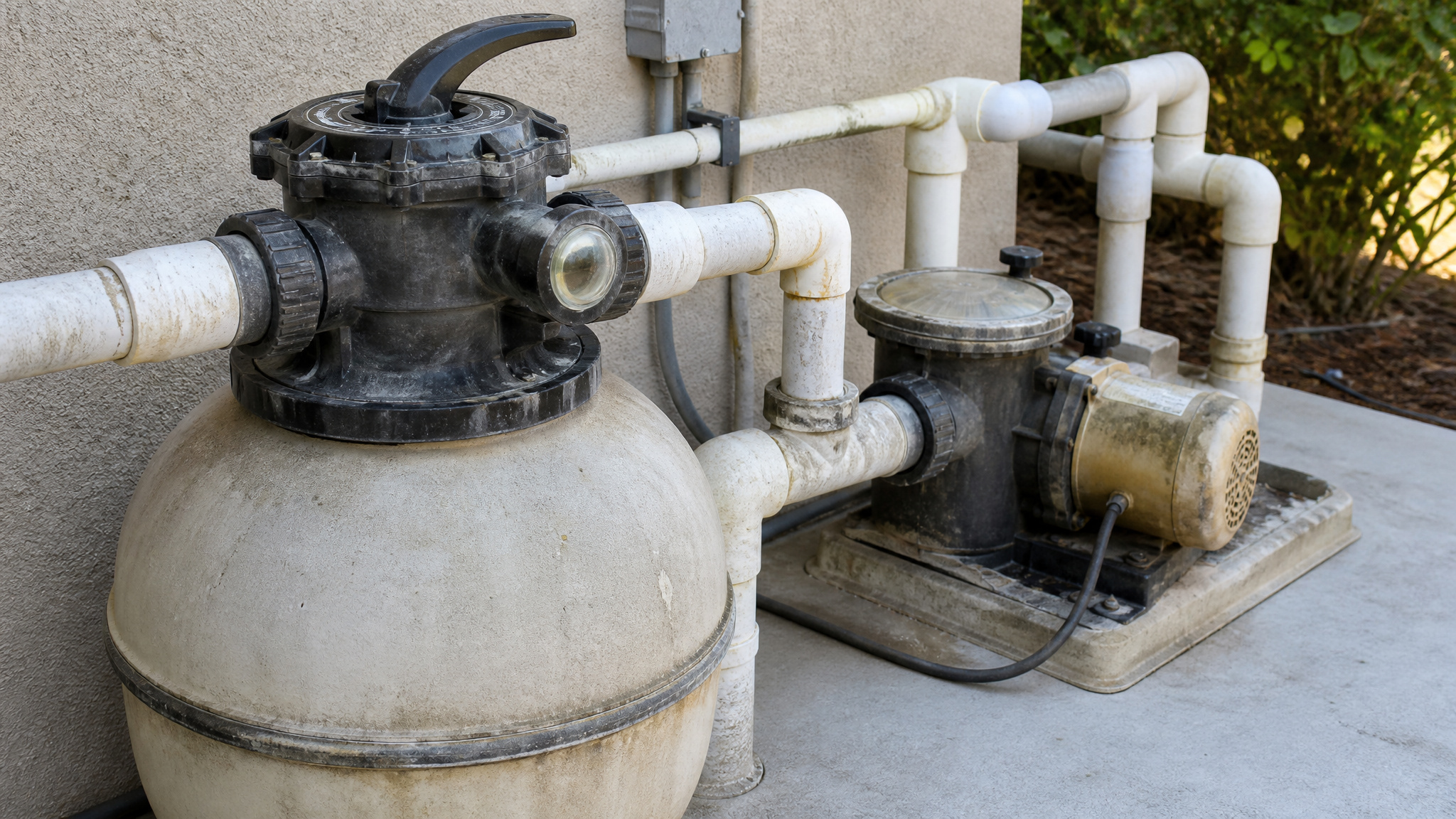
Most residential sand filters need new media every 3 to 5 years, though pool filter sand doesn’t have a fixed expiration date. Larger inground filters with more filter area often extend pool filter sand life to 5 to 7 years, while broader guidance ranges from 2 to 7 years. Commercial systems typically require annual replacement.
Your actual pool filter sand life depends on filter size, usage level, debris load, and pool filter maintenance quality. Heavy use can shorten intervals to around 4 years, and hard water, sticky tree debris, oversized pumps, and copper-based treatments accelerate wear.
Determining when to change pool filter sand means tracking age alongside performance symptoms. Check your filter’s manual, since replacement intervals vary by equipment model and specifications.
Why Pool Filter Sand Wears Out Over Time
Pool filter sand wears out over time because water flow slowly reshapes each grain, gradually reducing its filtering ability. Over years of service, sharp silica edges that trap debris become rounded, reducing the surface roughness your pool sand filter depends on to capture fine particles. As grains smooth out, water passes through more easily, so filtration efficiency drops even when pressure readings look normal.
Compaction adds another problem. Repeated cycling packs grains tightly, creating channels where water bypasses the bed instead of filtering through it. Hard water deposits, oils, and organic buildup accelerate this deterioration by cementing grains into clumps.
When you understand these mechanisms, you’ll recognize that changing pool sand isn’t optional maintenance, it’s a scheduled response to predictable media wear that no backwashing can reverse.
Cloudy Water That Won’t Clear Up
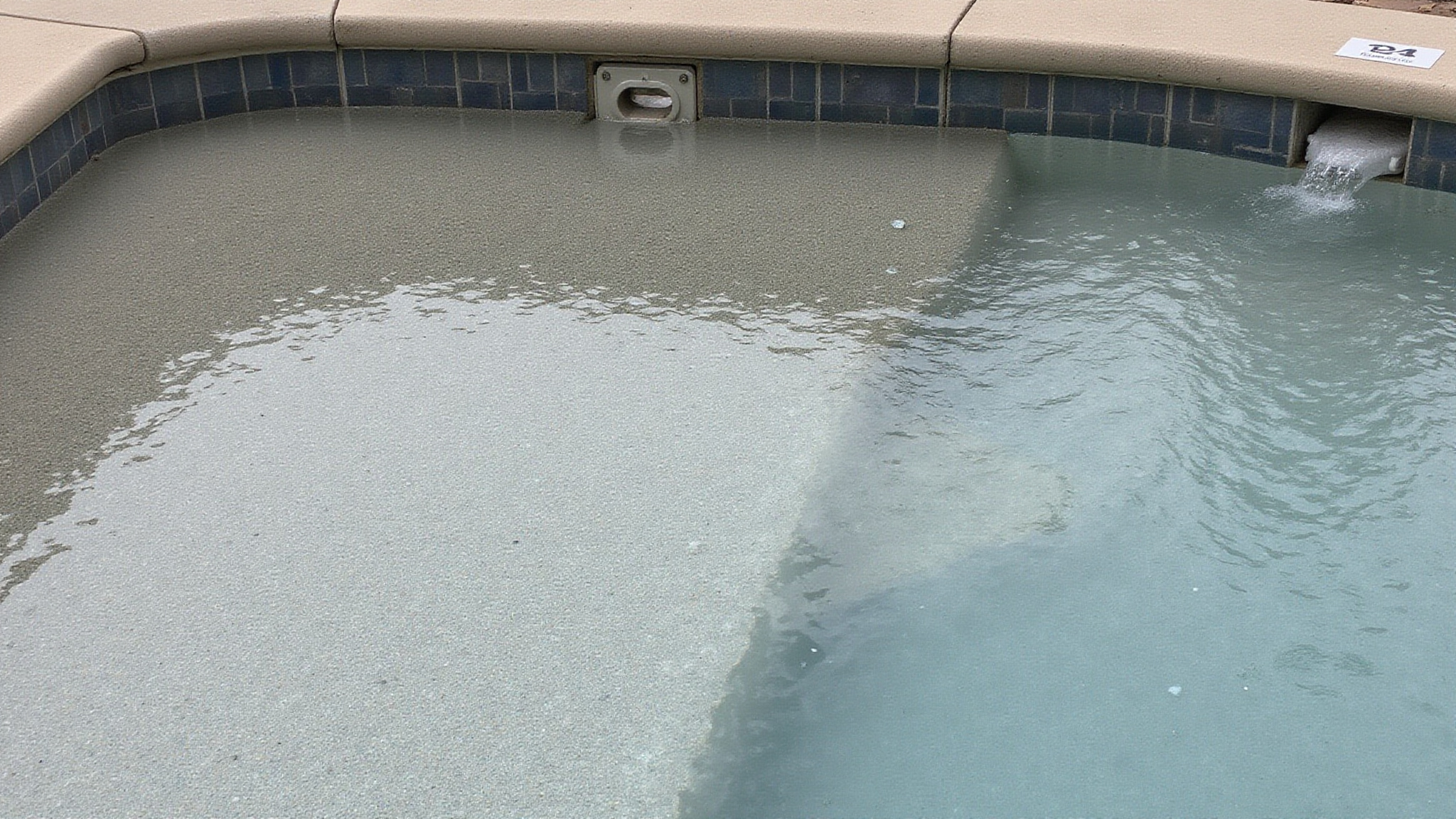
When you’ve balanced your chemistry correctly and the water still won’t clear, your sand is a likely culprit. If your adjustments to chlorine, pH, and alkalinity aren’t restoring clarity, the media may no longer trap fine particles effectively. Persistent cloudiness despite adequate pump runtime confirms the filter isn’t performing, signaling that it’s time to replace the sand.
Chemistry Adjustments Not Working
When chemistry adjustments stop working, the filter media, not the chemistry, is the likely fault. When your chlorine, pH, alkalinity, and stabilizer all test within range and the pool stays cloudy, degraded sand is usually the cause. Rounded, compacted, or channeled sand can’t trap fine particles, so dirt passes straight back into the pool. Confirm you’ve maintained proper runtime and verified readings with a reliable test kit before blaming the media. If algae keeps returning despite correct treatment, or if you’re increasing chemical doses just to hold clarity, the sand’s filtration structure has degraded. At this stage, replacing the media, not adding more chemicals, is the standards-based corrective action.
Persistent Cloudiness Despite Runtime
If your water stays cloudy after adequate filter runtime, the sand bed, not your pump schedule, is the likely failure point. After you’ve confirmed correct chemistry and run the pump long enough to turn over the full volume, persistent cloudiness points to media that no longer traps fine particles. Worn, rounded sand grains let debris pass straight back into the pool, so clarity never returns regardless of runtime.
Watch for a filter that runs short cycles between backwashes, or one that never clears the water despite proper flow. These symptoms indicate the media’s structure has degraded past its service life. When adequate runtime and balanced chemistry both fail to restore clarity, replace the sand rather than extending your filtration hours further.
Sand or Dirt Returning to Your Pool
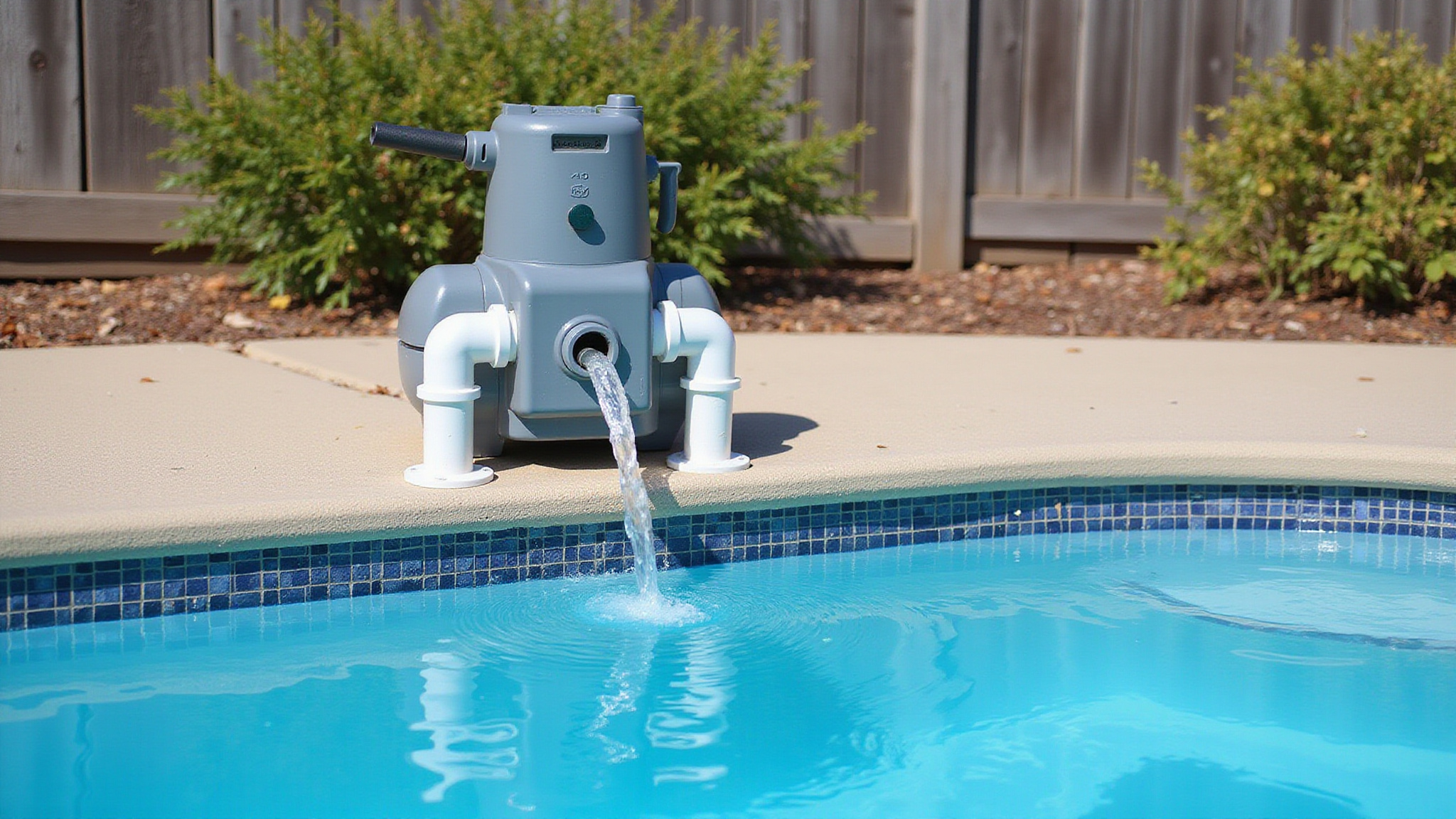
Sand or dirt returning to your pool signals that your filter media has failed, because neither should ever cycle back into the water. Healthy sand traps debris and holds it in the bed until you backwash. When you notice dirt returning to the water after normal chemistry and runtime adjustments, the sand can no longer capture particulates effectively. Worn, rounded grains reduce filtration efficiency and let debris pass straight through the return lines. Sand grains reaching the pool indicate a deeper problem: a cracked lateral, a damaged standpipe, or a media bed that’s broken down structurally. Inspect the laterals and standpipe first, then evaluate grain condition. If the hardware checks out, the media’s past service life and needs replacement.
Algae Problems That Keep Coming Back
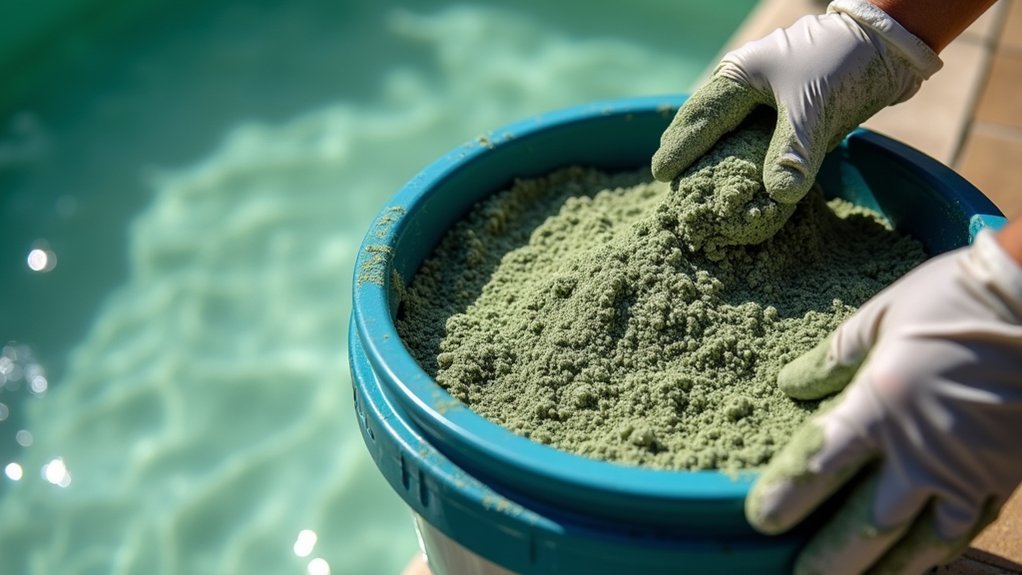
When algae keeps returning despite normal treatment, your filter sand may be the culprit. Worn media develops channels and compacted zones that let organic particles and spores pass back into the water, seeding new blooms. If you’re maintaining correct chemistry and adequate runtime but algae persists, the sand can no longer trap the fine matter that supports algae growth.
Algae Despite Normal Treatment
Algae returning despite normal treatment often means your filter sand is no longer doing its job. When you balance chemistry and shock the water but algae keeps coming back, that’s the signal. As sand grains wear round or the bed compacts, filtration efficiency drops, letting algae spores pass back into the pool. You’ll treat the water, watch it clear briefly, then see algae rebound despite correct sanitizer and pH levels.
Don’t keep chasing chemistry when the media’s the problem. If increasing algae problems persist alongside other warning signs like cloudy water, short filter cycles, or dirt returning to the pool, the sand’s likely past service life. Confirm by checking filter pressure behavior and sand condition inside the tank. When treatment can’t hold results, plan to replace the media.
Worn Sand Harbors Algae
Worn sand harbors the algae you’re trying to eliminate, and it filters poorly too. As grains round off and channels form, spores lodge in compacted pockets where backwashing can’t reach them. Your chemistry treats the pool water, but the filter bed reinoculates it with every cycle, so blooms return despite correct sanitizer levels.
Watch for these conditions inside a failing sand bed:
- Green-tinged clumps that resist backwash flow
- Caked channels routing water past trapped spores
- Persistent residue discharging after each cleaning
- Recurring blooms within days of a normal treatment
When algae keeps returning despite balanced chemistry and adequate runtime, suspect the media itself. Replace the sand to remove the reservoir feeding your persistent contamination problem.
Short Cycles Between Backwashes
Short cycles between backwashes signal your sand may be failing. As grains round and compact, filtration area drops, so pressure rises quickly after each backwash. You’ll see cycles shorten as the bed loses capacity to trap debris.
| Cycle Length | Pressure Behavior | Indication |
|---|---|---|
| Normal (weeks) | Gradual rise | Healthy media |
| Days | Fast rise post-backwash | Compaction forming |
| Hours | Immediate spike | Media near failure |
Track the interval between backwashes against your baseline. When a gauge difference exceeds 10% and cycles collapse to hours, your sand can’t restore flow. Replace the media before filtration performance drops below your pool’s turnover requirements and clarity degrades.
What Your Filter Pressure Gauge Reveals
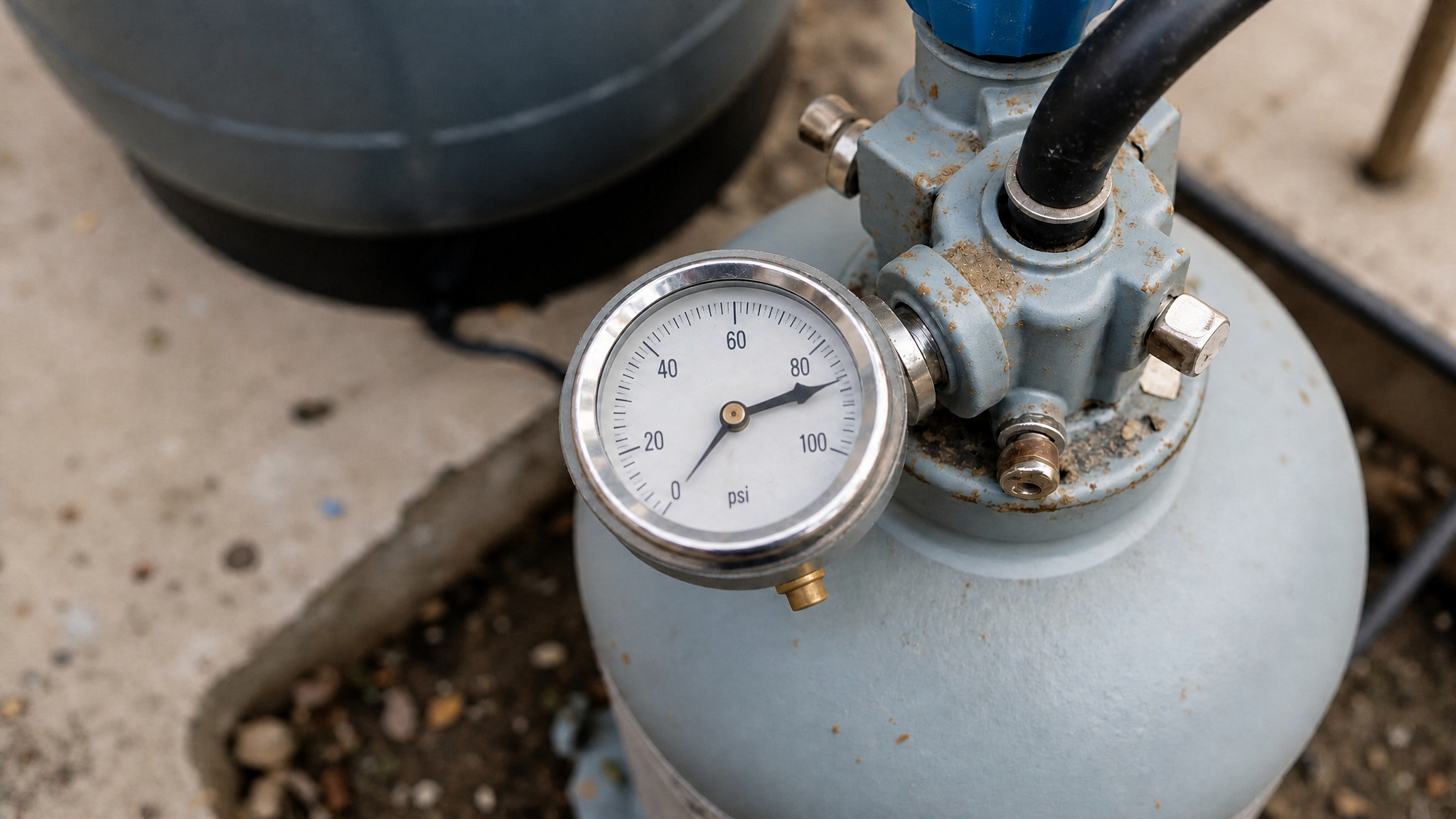
Your filter pressure gauge reveals the resistance the sand bed puts up against flow. That reading tells you whether your media still filters correctly or has begun to fail. Track the pressure at each stage, because deviations from baseline signal media problems before water clarity suffers.
Your pressure gauge speaks before your water does, learn to read it, and you’ll catch failing sand early.
Watch for these gauge behaviors:
- Low pressure despite regular backwashing, pointing to compacted or channeled sand.
- Pressure rising quickly after backwash, indicating the bed can no longer clear debris.
- Significant flow reduction, showing media that won’t pass water properly.
- A gauge shift exceeding 10% between settings, a commonly cited replacement trigger.
When your readings drift and backwashing won’t restore baseline pressure, plan to replace the sand.
Low Pressure Even After Backwashing
When your pressure gauge reads low even after a thorough backwash, the sand has likely compacted into dense clumps that water channels around instead of passing through evenly. Check for hardened or viscous sand clues by opening the tank and probing the bed; caked, uneven, or clumped media confirms the media’s structure has broken down. Once backwashing no longer restores normal flow and pressure, cleaning won’t fix the problem, the sand’s past service life and needs replacement.
Compacted Sand Clues
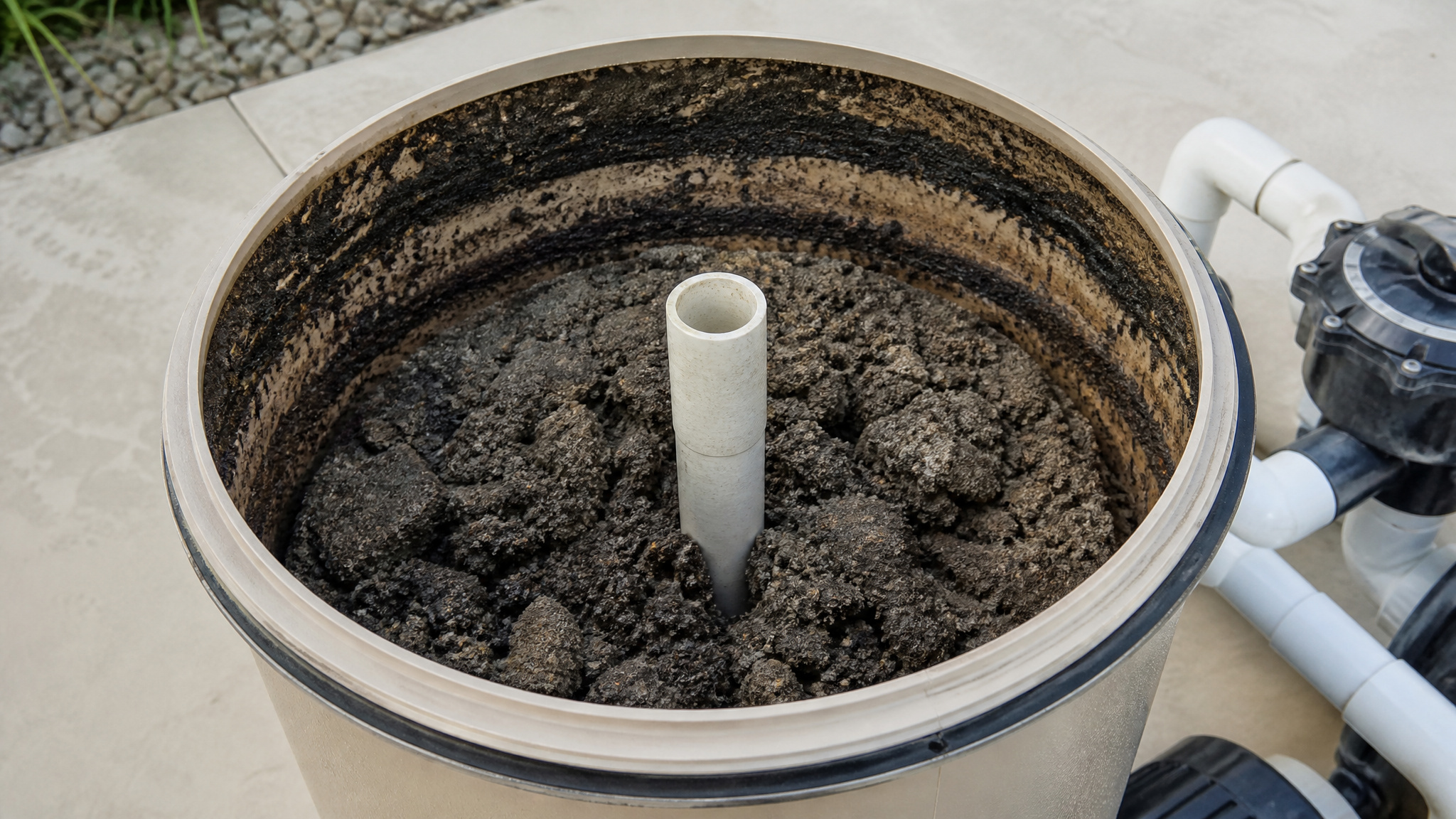
Compacted sand shows itself through several telltale signs you can spot by inspecting the media directly. Although rising pressure usually signals a dirty filter, low pressure that persists even after a thorough backwash points to a different problem: compacted sand. When grains harden and bind together, water can’t distribute evenly across the bed, so flow drops while filtration efficiency collapses. Open the tank and inspect the media directly for these conditions:
- Sand clumps that hold their shape when you scoop them, rather than falling loose.
- A caked, crusted surface layer that resists breaking apart under finger pressure.
- Hardened channels or cracks where water has bored fixed paths through the bed.
- Uneven settling that leaves ridges and hollows across the sand’s surface.
When you spot these signs, backwashing won’t restore performance, replace the media.
When Backwashing Fails
Backwashing fails when your sand bed has degraded structurally or reached the end of its service life, and at that point cleaning cycles cannot restore performance. When you backwash and pressure stays low, you’re likely dealing with compacted or channeled sand that water bypasses rather than filters. Low pressure despite regular backwashing signals the media isn’t passing water properly through the full bed. Watch for pressure that rises quickly again after a backwash cycle. That rapid rebound indicates the sand bed is failing structurally. If flow drops noticeably and backwashing no longer restores it, the media has reached the end of its service life. When backwashing stops correcting these conditions, replacement is your only reliable fix, not another cleaning cycle.
How to Check the Sand Inside the Tank
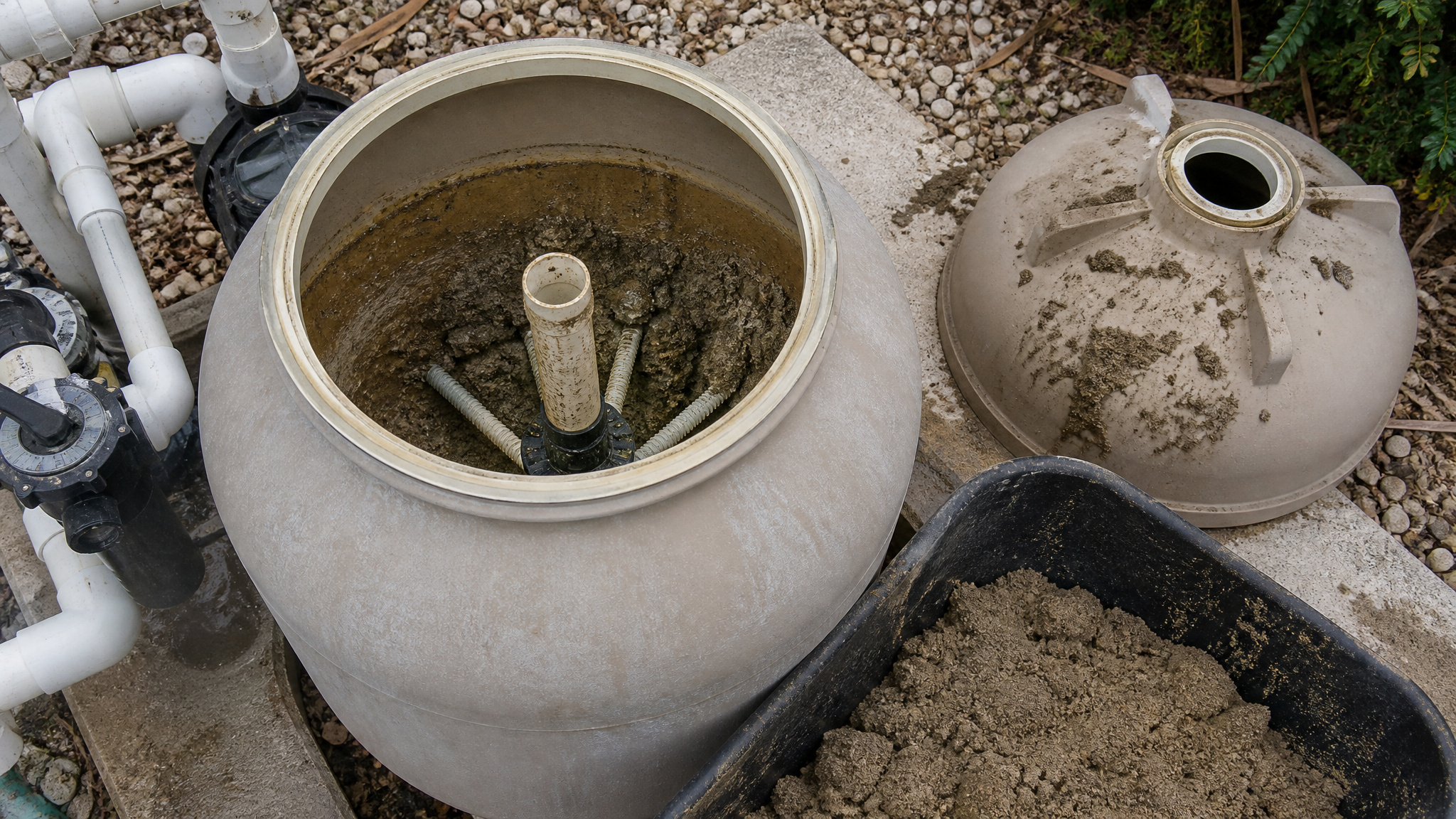
To check the sand inside the tank, open the tank and examine the sand directly, because visual inspection reveals problems that pressure gauges miss. Remove the tank lid, clear standing water, then probe the media with a gloved hand or tool to assess its condition. Healthy sand shifts freely; deteriorated media resists movement and holds its shape.
Check for these specific conditions:
- Compacted or viscous clumps that stick together rather than separating loosely.
- Caked, hardened, or uneven beds where the surface has lost its level structure.
- Rounded or worn grains that no longer trap debris efficiently.
- Persistent residue remaining on the surface after a complete backwash cycle.
If you find these signs, the media’s past service life and needs replacement.
Compacted Clumps and Caked Sand Beds
Once you’ve opened the tank, inspect the sand bed for hardened clumps that resist breaking apart under light pressure. These compacted masses signal that debris and minerals have bound the grains together, blocking the even water flow proper filtration requires. Check for uneven settling across the bed’s surface, since a bed that’s higher or lower in sections indicates the media is no longer distributing flow uniformly.
Spotting Hardened Sand Clumps
Hardened sand clumps appear as compacted masses and caked beds that resist movement, unlike healthy sand that feels loose and pours freely when you scoop it. When you inspect the media, dig into the bed and test its structure by hand. Failing sand holds its shape, clumps together, and shows a hardened surface that won’t loosen under normal pressure.
Look for these specific indicators:
- Hardened clusters that stay intact when you squeeze them
- A caked top layer that cracks rather than shifts
- Viscous or sticky patches binding grains together
- Uneven settling where sections sit lower or higher than others
When you find these conditions, backwashing won’t restore proper flow, and you should schedule media replacement promptly.
Uneven Bed Settling
Uneven bed settling occurs when sand sits at different heights across the filter, signaling that the media has compacted and lost its uniform structure. This condition disrupts the even flow of water through the filter, forcing water to channel through low-resistance paths while leaving other zones underused. You’ll notice the symptoms downstream: cloudy water that won’t clear, pressure rising quickly after backwash, and shorter cycles between cleanings. Open the tank and inspect the bed’s surface. If you find caked, hardened, or unevenly settled sand that backwashing can’t level, the media’s structure has failed. Rounded or worn grains no longer trap debris effectively. When age and these symptoms both point to failure, replace the sand rather than waiting for filtration performance to collapse entirely.
What Makes Pool Filter Sand Wear Out Faster
Several factors greatly cut pool filter sand’s lifespan short, even though it can last three to five years under normal conditions. Your usage level, water chemistry, and equipment sizing all determine how quickly the media degrades. Watch for these accelerators:
- Heavy pool use that pushes intervals down to four years or less, grinding grains through constant flow and frequent backwashing cycles.
- Sticky tree debris and high organic load that clog the bed and cake the surface.
- Hard water that deposits minerals, hardening sand into compacted clumps.
- Oversized pumps that force excessive flow, wearing grains round and reducing filtration efficiency.
Copper-based treatments also accelerate clogging greatly. When you match your pump to filter capacity and control debris, you extend the media’s service life measurably.
When Heavy Use Cuts Sand Life Short
Heavy use cuts sand life short by dropping your replacement interval from the typical three-to-five-year range down to four years or less. The more hours your pump runs and the more swimmers your pool handles, the faster your media accumulates debris and organic load. High bather counts introduce oils, sunscreen, and contaminants that clog sand grains and compact the bed. Frequent backwashing, necessary under heavy demand, gradually wears grains round and reduces their filtering edge. Watch for short cycles between backwashes and pressure that climbs quickly afterward, both signaling accelerated degradation. Don’t rely on age alone under these conditions. Pair usage tracking with pressure and clarity monitoring, and plan replacement before performance collapses rather than waiting for complete filtration failure.
Replace Pool Filter Sand by Age or Symptoms?
Replace pool filter sand by symptoms, not age. Age gives you a planning window, 3 to 5 years for most residential sand filters, but it shouldn’t trigger replacement on its own. Let measurable performance decline confirm the timing. Replace the media when age and symptoms both point to failure, not when the calendar hits an arbitrary mark.
Don’t replace sand on a schedule. Replace it when performance drops. Let symptoms, not the calendar, make the call.
Verify failure against these indicators:
- Cloudy water that won’t clear despite correct chemistry and adequate runtime.
- Pressure rising quickly after each backwash, signaling a failing bed.
- Sand or dirt returning to the pool through the returns.
- Compacted or caked media you can see inside the tank.
When backwashing no longer restores flow, the sand’s past service life. Replace it.
When to Change Sand Before It Fails
Change your sand before it fails by planning replacement proactively, before filtration performance collapses. Track your sand’s age against the standard 3-to-5-year residential interval, adjusting for your specific conditions. If you run a larger inground filter, you’ll often reach 5 to 7 years; commercial systems may require annual changes.
Factor in variables that shorten media life: heavy usage, sticky tree debris, hard water, oversized pumps, and copper-based treatments all accelerate wear. When these conditions apply, plan for the shorter end of the range, around 4 years or less.
Consult your filter’s manual for model-specific guidance, since intervals vary by equipment. Schedule the change when age and early warning signs converge, rather than waiting for complete failure to force your hand.
Conclusion: Knowing When to Change the Sand
Filter sand does not last forever; after several years the grains wear smooth and stop trapping debris the way they should. The signs are steady high pressure, cloudy water, and frequent backwashing that no longer helps. Change it on that schedule rather than waiting for the water to suffer, and the filter goes back to doing its job.
Get Discount Pool Filter Supplies Delivered
From filter sand alternatives to complete replacement systems, expert-selected filters keep your pool water clean and clear. Browse Prime Pool Market for premium Pool Filters with real value from real pool experts. Call (877) 650-7665 today and upgrade your filtration system.
Frequently Asked Questions
What Type of Sand Should I Use to Replace My Filter Media?
Pool-grade silica sand, usually number 20 grade, is the standard choice. Its grain size traps fine debris while keeping water flowing. Steer clear of play sand or masonry sand, which is too fine and compacts. If you want an upgrade, glass media works in the same tank and lasts longer than sand.
How Much Sand Does My Pool Filter Need?
The amount is printed on the filter tank or in its manual, and it varies by size, commonly 100 to 300 pounds. Filling to the fill line, usually about two-thirds of the tank, leaves room for the sand to move during backwashing. Check your specific model rather than guessing, since overfilling hurts performance.
Can I Use Glass or Zeolite Instead of Sand?
Yes, and many owners prefer them. Glass media filters finer particles and lasts longer, while zeolite is excellent at trapping fine debris and even helps with some odors. Both drop into the same tank as sand, though you use less by weight since they are lighter. Either one is a solid upgrade over standard sand.
How Do I Safely Dispose of Old Pool Filter Sand?
Bag the old sand while it is still damp to keep the dust and mess down, then put it in the household trash, which is fine in most areas since the sand is inert. Local rules vary, so a quick check with your waste service confirms it. Do not rinse it into storm drains or garden beds.
Can I Replace the Filter Sand Myself or Hire a Professional?
Most handy owners can do it in an afternoon. The work is straightforward but physical: draining the tank, scooping out the old sand, and pouring in the new. If your tank is heavy, awkward to reach, or you would rather not deal with the plumbing, a pool tech handles it quickly for a modest fee.